


With a few upgrades, you can change your boardroom from a daily source of frustration into a room people actually enjoy using. If your experience of meetings is wasting the first ten minutes on tangled cables, audio issues and awkward interruptions, the practical fixes in this article will help you take control of the space.
Last week we upgraded a boardroom for a client of ours. Upon entering the room, he said his first reaction was that there was something different.
One by one, he started noticing the changes: the laptops did not need a cable to be connected. The camera automatically focused on the speaker and stayed on him. When he moved around, the camera followed him. When one of the other people said something, the camera panned to him. There was no interruption or lag in the audio.
Once the meeting was over, he said, “This is not how I remember boardroom meetings.”
We knew what he meant.
Because we know how most meetings start: someone’s looking for the HDMI cable, another one is bent low, halfway under the table asking which cable does what as the rest of the people are throwing questioning glances at each other. When eventually the meeting starts, someone loses their video while the other says they can’t hear a thing. While you are making the most important part of your presentation, you are interrupted by the sight of someone trying to peek in desperately, before finally knocking on the door and swinging it open to check how long your meeting will go on, completely disrupting your flow.
Most people have similar experiences when it comes to boardroom meetings. Being high-stakes rooms reserved for the most senior people in the organisation and often the clients, the tolerance for something going wrong is lower than anywhere else in the office.
But the good news is that this can be fixed with some minor upgrades.
Deploy Camera and microphone as One System
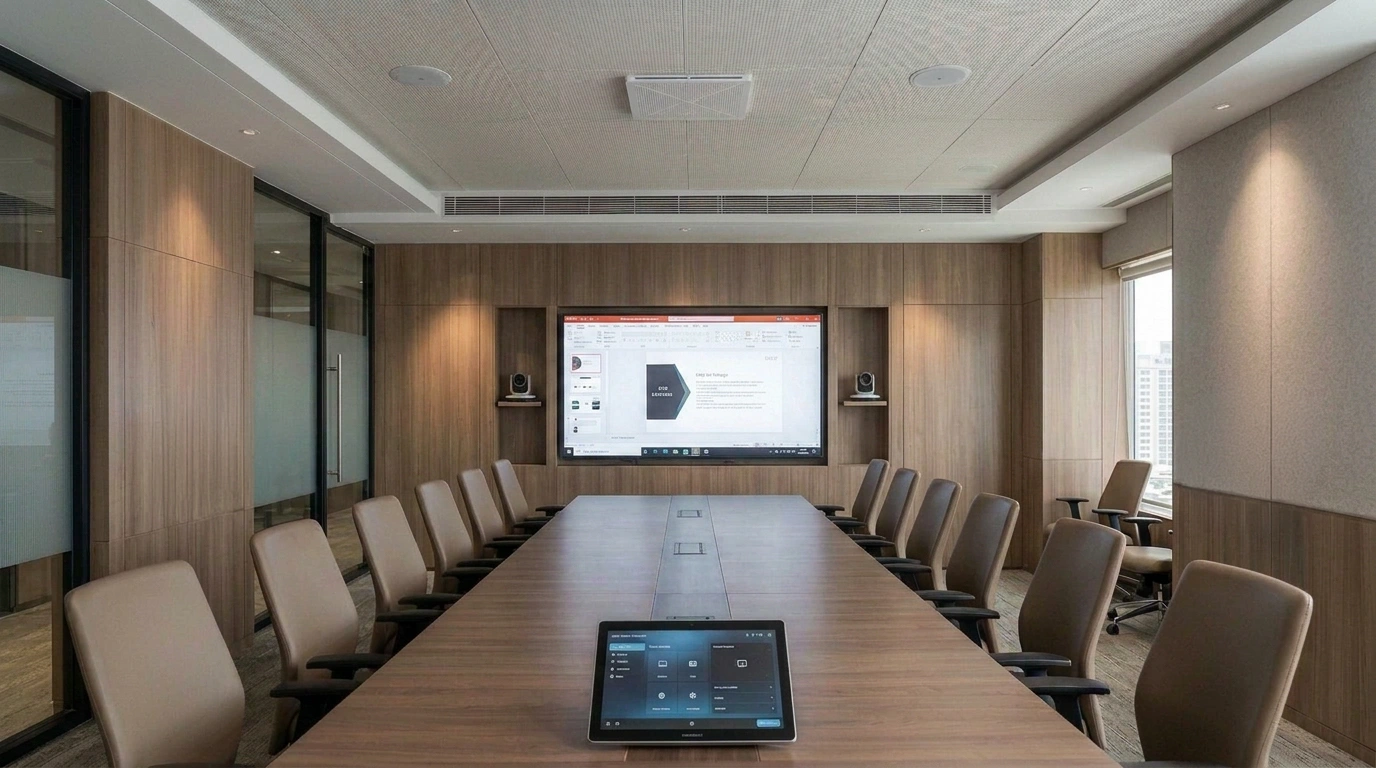
In a boardroom, where people are scattered around a long table and the presenter is pacing around while presenting, single fixed cameras would just not work.
You need multi-camera systems to give the room more than one option: following a presenter, focusing on a group, switching automatically to whoever’s speaking.
These days, there are cameras that can locate and track the speaker’s movements based on audio cues from the beamforming ceiling mics. That’s possible because the camera and the microphones are working in tandem.
The usual tabletop mics clutter the table and lock the seating into a fixed layout around wherever the mic happens to sit. Honestly, in a room this size and the experience they offer, they’re simply not worth the investment.
Beamforming mics don’t take up any space on the table, whether they’re built into the ceiling or packed into an all-in-one video bar. They pick up voices from anywhere in the room and separate speech from HVAC hum and background noise, so the camera gets proper audio cues to work with.
Ceiling arrays make sense for a larger table or an irregular room shape, where a single bar at one end can’t reliably cover everyone. For a smaller or more standard boardroom, an all-in-one bar with beamforming built in does the same job without the extra install.
Meeting Equity
A remote participant watching a static wide shot always misses out on the little nuances. The people at the table pick up on a raised eyebrow or finish each other’s sentences but someone working from home can feel somewhat left out.
Newer camera systems solve that problem with three or four units capturing video from different angles, switching based on more than just who’s talking. To a remote participant, eye contact is more perceptible, they can understand who’s about to speak next and who the room’s actually looking at. Remote viewers end up with something closer to a set of proper individual shots instead of one small tile.
Audio’s catching up as well. Some systems now place remote voices so they match the direction of the video, so a voice from the left of the screen sounds like it’s coming from the left.
Keeping the system running
Most AV failures are not sudden. They are quietly building up in the background. A firmware update gets missed, a mic connection degrades slightly over a few months and when does all of this snowball into a problem? Right in front of a client.
Centralised monitoring teams watch device health across a room, or an entire building, to flag these issues before they turn into live downtime. It’s practical insurance: fixing the small stuff quietly behind the scenes so your team never has to troubleshoot in the middle of a pitch.
Opt for Wireless presentation and BYOD
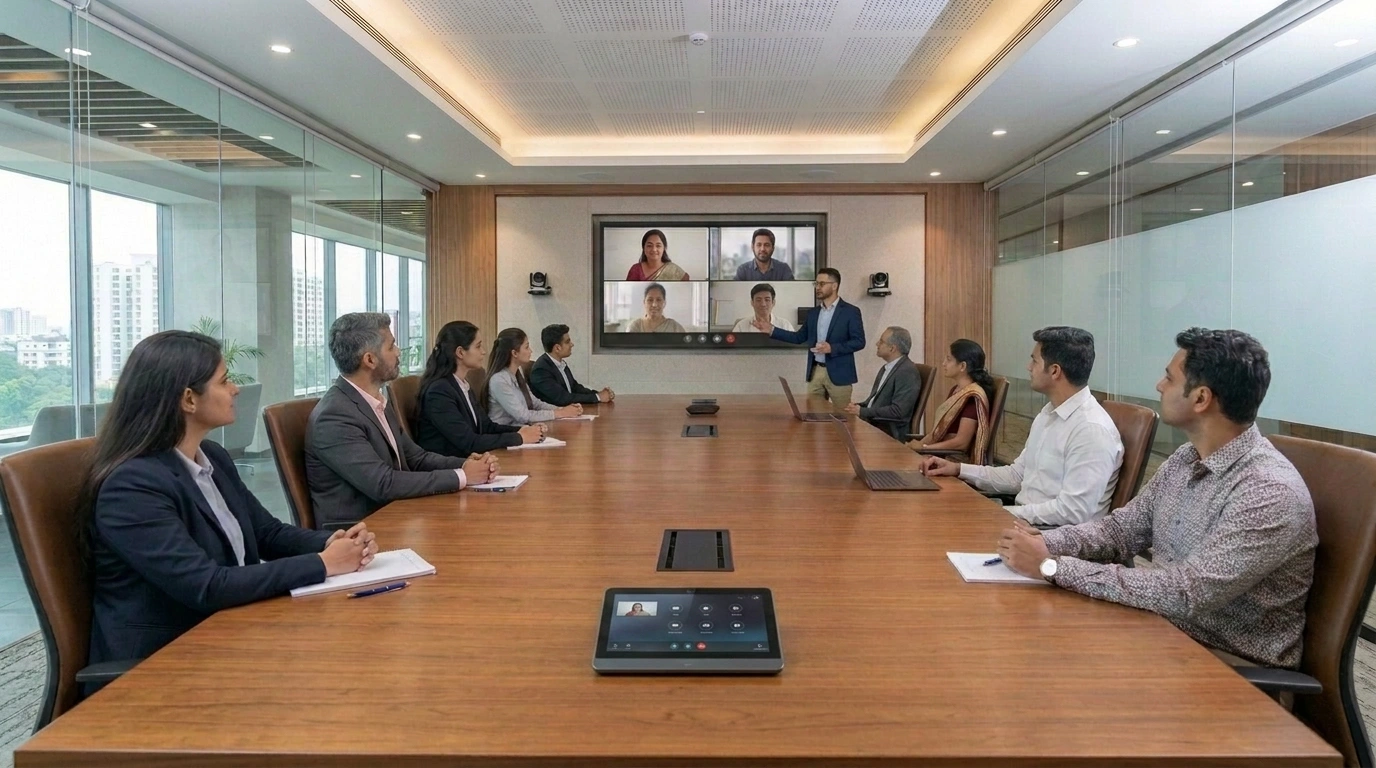
Half the delay at the start of a meeting is because of cables.
In case any of the AV devices are not working, they usually go into a frenzy: where is the HDMI cable? Where is the adapter? How does the display turn on?
Wireless presentation gets rid of all the cable woes.
Connect from your own device, nothing to plug in. Some of these systems go further and let you run your actual Teams or Zoom call through the room, camera, mic, speakers, all of it, without changing a thing on your end.
You open the call the way you always do. The room automatically behaves as the AV device.
Install Room availability panels
Everyone has seen that shadow hover outside the glass door of the boardroom. If it’s a wooden door, there’s a knock. And usually the timing is impeccable. It’s during the most important part of the meeting that this interruption usually occurs. This just kills whatever momentum was built in the meeting room and derails people’s train of thoughts. A panel outside solves this the most effective way. The panel displays details like free or booked, who has it next and for how long. It can even pull information straight from the calendar, Outlook or Teams. These display panels can also cut down on meetings that overrun. Nobody watches the clock in a boardroom. A panel showing someone else is booked in ten minutes works as a constant reminder so participants don’t have to check on their watches while an important discussion is going on.
Select the Right Display
In a high-end executive space, seamless LED walls look better than giant, clunky TV bolted to the wall. LED walls feel intentional, like a part of modern architectural design. The biggest mistake people make is choosing a screen size without any consideration to the room dimensions.
Your seating layout and viewing distance should always dictate your screen size, pixel pitch and brightness, not the other way around. If that is not done, anyone sitting too close to the screen will spend the entire meeting craning their neck just to read the numbers on a spreadsheet.
You don’t have to make all these changes at once.
You can plan for the scheduling panel this month, then the camera and beamforming mics next month and the wireless setup when your budget allows, maybe the next financial quarter. Each upgrade on its own still makes a difference. A room where you can connect instantly but the audio still cuts out mid-call is still better than a boardroom where both fail. And people notice these things. Once most of these changes are made, your boardroom will start to look like the one from the beginning of this article.
FAQ’s
Audio, more than anything else, decides whether a meeting actually works. A brilliant camera on bad audio still produces a call nobody can follow. If you’re prioritising where to spend, microphones and acoustics come first, then cameras, displays and wireless presentation get built around them.
A tabletop mic picks up the whole room at once, noise and all. A beamforming array isolates whoever’s actually talking and mostly ignores everything else. People sitting in the room barely notice the difference. Remote participants notice it immediately.
Nobody has to grab a remote and manually point the camera at whoever’s speaking anymore. The system tracks that on its own, following a presenter, framing a group, switching between speakers as the conversation moves. Remote attendees end up seeing something closer to what they’d actually notice sitting in the room.
Mostly by replacing the person who used to type notes during the call. With an eligible Microsoft 365 and Copilot licence, it drafts summaries and pulls out action items from the transcript afterwards and can answer questions about what was discussed without anyone digging back through a recording.
Usually. Adding AI cameras, ceiling mics or wireless presentation to a room that already has a display and basic infrastructure is fairly common. A full rebuild often isn’t necessary.
Hardware, cameras, mics, the display itself, tends to last five to seven years before it’s worth replacing. Software and collaboration platforms move faster and given how much of the AI functionality depends on staying current, those are worth checking on more often.
Actis handles consulting, design, integration, deployment and ongoing support as one process instead of just supplying equipment. That distinction matters more once a room actually needs troubleshooting six months in and there’s one team who already knows the setup rather than a new call each time.